 Edge
Edge
Edge password recovery prerequisites and access options
Edge password recovery through security questions can restore access after a forgotten password if you configured it beforehand and retained a usable recovery token. The email route uses your username, a saved recovery link, and two exact answers. Edge cannot issue a conventional support reset when you have lost every usable login and recovery method. Two-factor authentication can add a separate login requirement.
Preserve a phone that still holds your account data while assessing the options. Missing email, incorrect answers, and two-factor restrictions involve different recovery material. Removing the app can eliminate a useful local copy.
Bottom line: A previously used device may retain the recovery key even when the email copy is unavailable, provided recovery was enabled.
Recovery questions, encrypted backups, and saved logins
Recovery questions provide an alternative way to unlock an existing account when its password is unavailable. Automatic encrypted backups serve a different purpose: they preserve wallet data for restoration. Ordinary restoration with a remembered username and password does not require the question-based route, although enabled two-factor authentication still affects access from another device.
If your regular PIN or biometric login still opens the intended account on an installation you have not deleted, you can reset the password through the password reminder popup. Log out and back in using that working login method repeatedly until the popup appears, then use its reset option. This route does not require recovery questions to be enabled. The account can contain several cryptocurrency wallets, so recovery concerns access to their encrypted keys and data together. Individual wallet backups cover a narrower object.
Enable recovery while the account password is available
Recovery setup requires access to the account and authorization to change its security settings. In Settings, unlocking account settings uses the account password. Password Recovery then allows the selection of two questions and their answers. Creating an account or using a PIN does not, by itself, complete this separate setup.
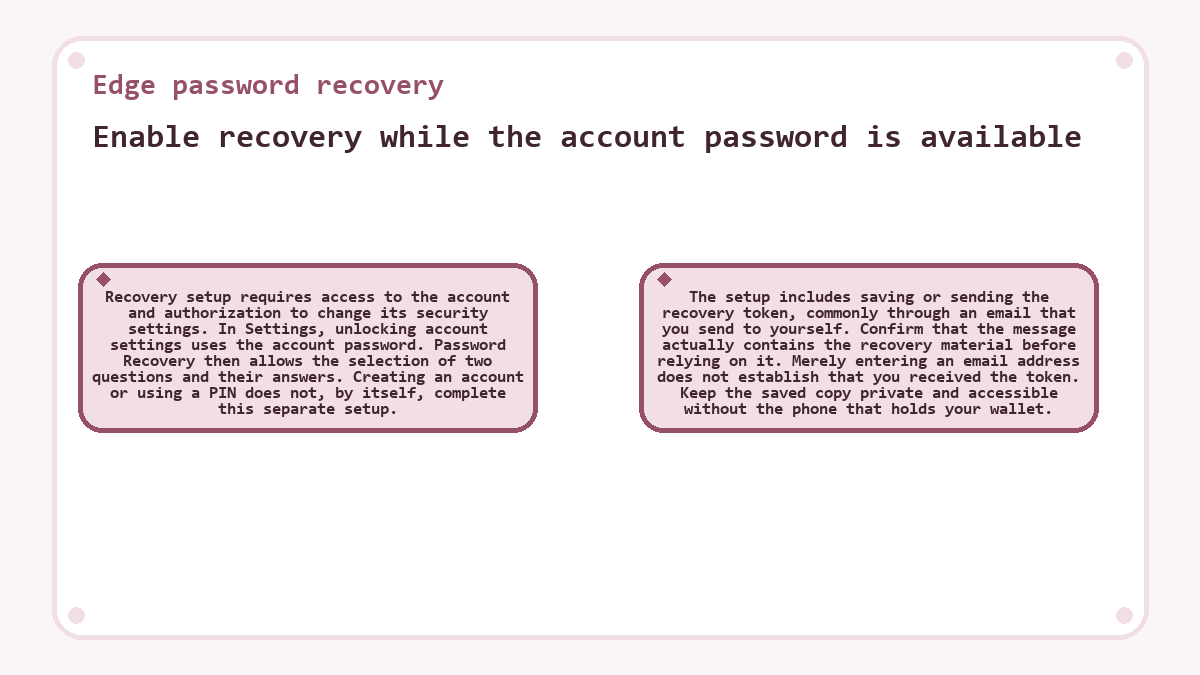
The setup includes saving or sending the recovery token, commonly through an email that you send to yourself. Confirm that the message actually contains the recovery material before relying on it. Merely entering an email address does not establish that you received the token. Keep the saved copy private and accessible without the phone that holds your wallet.
Choose the available recovery path
For an account with recovery already enabled, the usable route depends on whether the recovery token survives in a saved message, another saved copy, or local account data. Assess those existing copies before changing the installation.
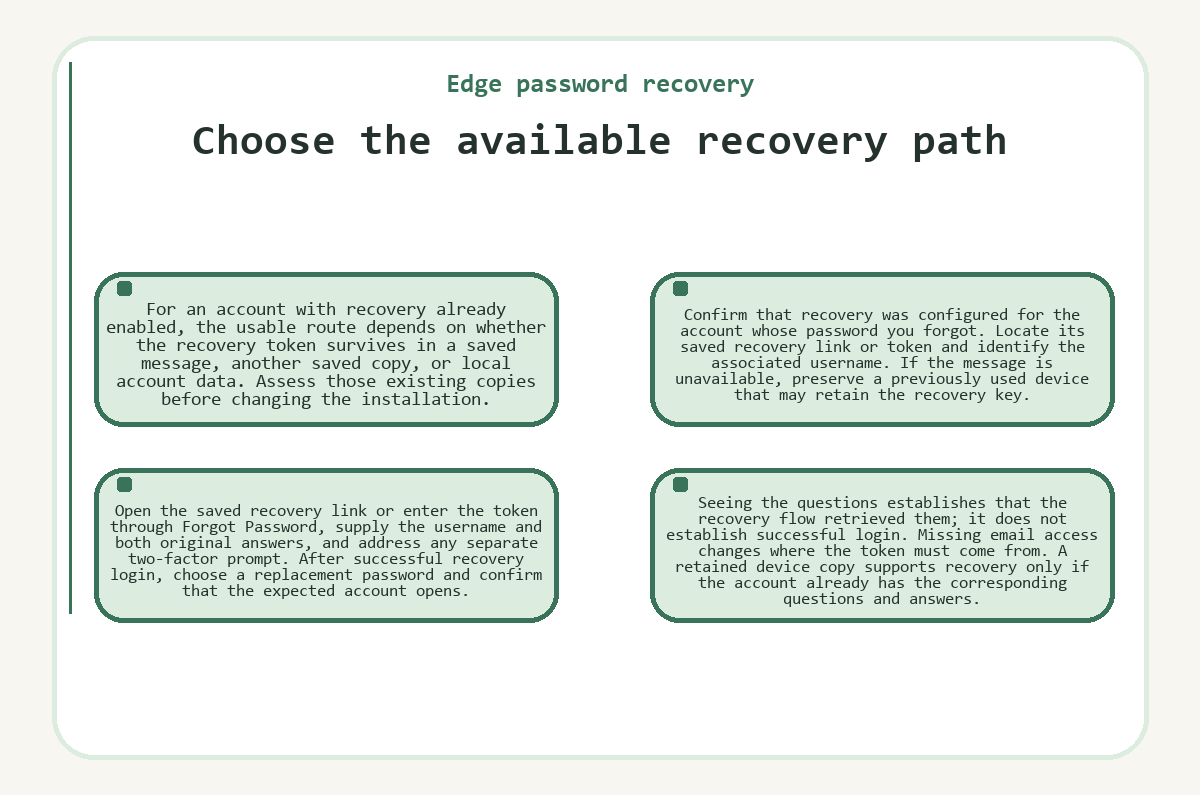
- Confirm that recovery was configured for the account whose password you forgot.
- Locate its saved recovery link or token and identify the associated username.
- If the message is unavailable, preserve a previously used device that may retain the recovery key.
- Open the saved recovery link or enter the token through Forgot Password, supply the username and both original answers, and address any separate two-factor prompt.
- After successful recovery login, choose a replacement password and confirm that the expected account opens.
Seeing the questions establishes that the recovery flow retrieved them; it does not establish successful login. Missing email access changes where the token must come from. A retained device copy supports recovery only if the account already has the corresponding questions and answers.
Exact answers and distinct login errors
When the recovery flow displays the expected questions, answer matching determines whether this authentication method can proceed. Text recovery answers are case-sensitive. Capitalization therefore matters even when two entries express the same meaning.
Use the answer that you originally saved, including its spelling and formatting. A factually correct answer can still differ from the stored answer. Avoid silently substituting a newer answer because circumstances changed. The recovery system matches credentials; it does not investigate the underlying personal fact or accept a close semantic equivalent.
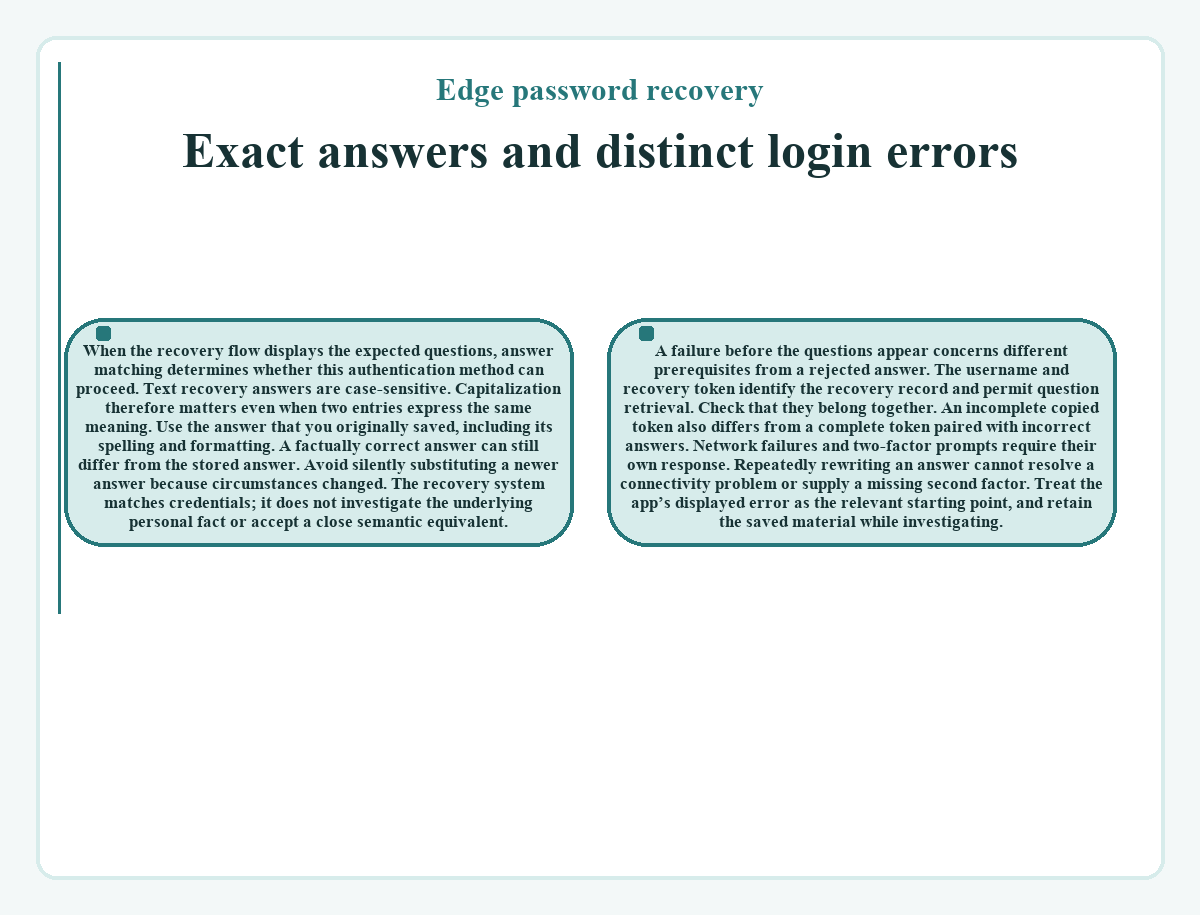
A failure before the questions appear concerns different prerequisites from a rejected answer. The username and recovery token identify the recovery record and permit question retrieval. Check that they belong together. An incomplete copied token also differs from a complete token paired with incorrect answers.
Network failures and two-factor prompts require their own response. Repeatedly rewriting an answer cannot resolve a connectivity problem or supply a missing second factor. Treat the app’s displayed error as the relevant starting point, and retain the saved material while investigating.
The recovery token and encrypted login data
The saved token contains secret recovery key material that the app uses to retrieve and decrypt the questions. Its possession alone does not complete recovery authentication. The app also needs the username and correct answers. This separation explains why an email message is sensitive even though simply opening it does not automatically unlock the account.
The client transforms the answers into keyed hashes for server comparison. Successful matching allows it to obtain the encrypted login material needed for local decryption. Edge’s recovery server checks answer hashes without receiving the plaintext answers. Keep the token and answers out of support messages or public screenshots. Sharing them together exposes the material that this recovery method relies on.
Two-factor authentication on a replacement device
If the account has two-factor authentication enabled, a replacement device may need authorization beyond correct recovery answers. Recovery and two-factor security address different requirements. The login flow can therefore reach a two-factor restriction even after the question-based authentication attempt succeeds. A device that already holds the account’s two-factor secret can support authorization of another device. Edge also provides a reset-request process when that secret is unavailable. A pending reset and an approved login are different states. Use the reset timing shown for the account rather than assuming that password recovery removes the restriction immediately. An existing authorized device can cancel a pending reset.
Password changes and wallet synchronization
A successful recovery login restores access to the account’s encrypted data and permits a password change. It does not move cryptocurrency between addresses. The password protects account access; wallet keys govern blockchain spending. Choosing a replacement password consequently does not create a new receiving wallet or alter a previously confirmed transaction.
Account access and wallet synchronization can finish at different times. Wallets still obtain balances and transaction history from their respective networks. An initial incomplete display is not sufficient evidence that recovery created an empty account. Check the account identity and synchronization state before treating a missing balance as a credential problem. Exchanges and outgoing payments have their own transaction status.
Individual wallet backups and the limit of support
A separately preserved private key or seed can provide another route to a particular wallet when a compatible application supports its format. That backup covers the wallet to which it belongs. It does not reconstruct the Edge account password, recovery answers, or every other wallet held in the same account. Compatibility and the specific saved key material determine what it can restore.
Support can help interpret a recovery error, but Edge does not hold the secrets needed to decrypt an otherwise inaccessible account. Proof of a balance cannot replace those secrets. If the password, configured recovery material, usable device access, and applicable private-key backups are all unavailable, the associated funds can remain inaccessible. Account recovery preserves access across the account; a separate wallet backup restores only its own wallet.
Frequently asked questions about Edge password recovery
-
Does Edge password recovery reveal my previous password?
- No. Recovery lets you choose a new password without revealing the previous password. Question-based recovery requires your username, the saved token, and both correct answers; enabled two-factor authentication remains a separate requirement. This method supplies the login material needed to decrypt the account, so it does not require reproducing the forgotten credential.
-
Can a public receiving address recover my Edge account?
- A public receiving address cannot supply the secret credentials needed for account recovery. It identifies where cryptocurrency can be received, while spending requires the relevant private keys. Knowing an address or showing a transaction does not replace a configured recovery token, its answers, or another usable account login.
-
Will resetting my Edge password cancel a pending swap?
- Changing your account password does not issue a swap cancellation or reverse a blockchain payment. It changes access to the wallet account. An unfinished exchange remains subject to the status and terms of that exchange, including whether its deposit arrived and whether a payout or refund has occurred.
-
Is a password recovery token the same as a 2FA code?
- A password recovery token and a two-factor authentication code serve separate purposes. The recovery token supplies key material for question-based login. Two-factor authentication supplies an additional authorization requirement when enabled. Substituting one for the other does not satisfy the credential that the login prompt requests.
-
How do date-based recovery answers differ from typed answers?
- Date-based recovery questions use a date selector, while text questions use typed answers. Supply the original saved date through the selector when the question calls for one. Text answers retain their spelling and case requirements; a date format invented for a text field is not a substitute for the saved answer.
-
Could reinstalling Edge repair an incorrect recovery answer?
- Reinstalling the app does not change the answer credentials already stored for the account. It can also remove local login or recovery material that a previously used device retains. Preserve that installation while checking the original answers and identifying whether the error actually concerns authentication, connectivity, or two-factor access.