 Edge
Edge multi-asset wallet and self-custody
Edge is a self-custody wallet that uses a username and password to back up and restore multiple cryptocurrency wallets. Its iOS and Android apps support payments, asset exchanges, and partner buying and selling services. Private keys remain under the user’s control through encryption on the device.
Asset wallets, payments, and connected services
The app brings separate cryptocurrency wallets together, supports address-based payments, and adds trading and payment services through integrations. Supported assets include Bitcoin, Ethereum, XRP, and Monero. Each network retains its own transaction rules, so a combined asset list does not create a shared blockchain balance.
Holding and transferring assets
Wallets provide receiving addresses, outgoing payments, and transaction history. An account can contain multiple wallets, including separately named wallets for the same cryptocurrency. Receiving uses a text address or QR code. Transfers still require a compatible destination and enough available funds to cover the payment and its network fee.
Applications and additional services
WalletConnect links the mobile wallet to compatible decentralized applications, with transaction approval handled in the wallet. An Earn feature appears where a supported integration provides staking or another earning product. Its protocol determines the underlying arrangement, and on-chain staking or unstaking requires funds available for transaction fees. Partner services also cover gift cards and mobile top-ups.
Accounts, private keys, and blockchain networks
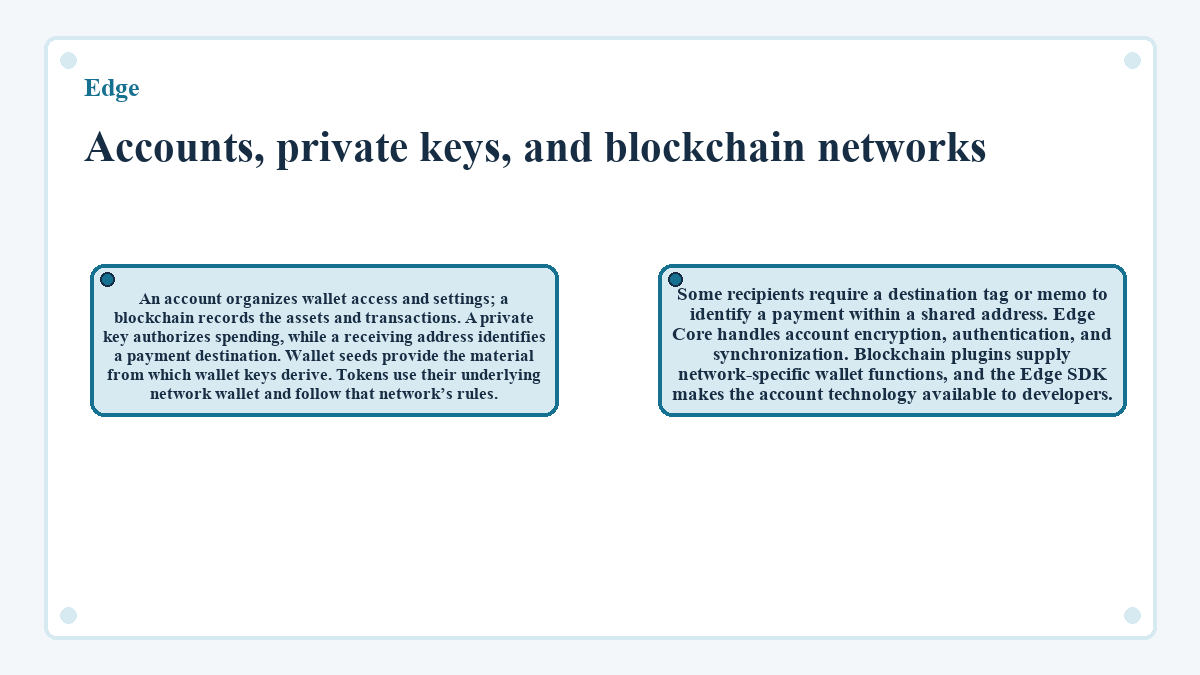
An account organizes wallet access and settings; a blockchain records the assets and transactions. A private key authorizes spending, while a receiving address identifies a payment destination. Wallet seeds provide the material from which wallet keys derive. Tokens use their underlying network wallet and follow that network’s rules. Some recipients require a destination tag or memo to identify a payment within a shared address. Edge Core handles account encryption, authentication, and synchronization. Blockchain plugins supply network-specific wallet functions, and the Edge SDK makes the account technology available to developers.
Who controls the private keys in Edge?
The account holder controls the private keys, and the company cannot use its encrypted backups to spend the account’s funds. The app encrypts account and wallet data on the device before sending it to backup servers. Server assistance supports authentication and synchronization without giving the operator the secrets needed to decrypt those backups. Password protection uses scrypt, an algorithm that consumes processing power and memory during password guessing. The app adjusts its password-derivation difficulty to device performance. This raises the computational cost of guessing, while the password’s own strength remains part of the account’s protection.
Encrypted backups and access across devices
Automatic backups retain encrypted wallet data, and synchronization lets authorized devices access the same account.
Replacing or adding a device
Successful sign-in on another device retrieves the existing account rather than creating a new set of wallets. A username and password establish the account identity, but IP Validation can delay access from an unrecognized device and location. Approval from an already logged-in device or a saved two-factor backup code provides another authorization path, while Scan to Login supports access from an existing logged-in app through a QR-based request that requires confirmation on that device.
Recovering a forgotten password
Password recovery is optional and requires advance setup of recovery questions, retention of the recovery token, and the correct case-sensitive answers. An existing device with working PIN or biometric access may also offer a password-reset option, provided the app has not been deleted. Losing credentials, usable device access, and configured recovery material can leave the account inaccessible. Support cannot decrypt the backup to replace those missing access methods.
Token compatibility and importing existing wallets
ERC-20 tokens on Ethereum use an Ethereum wallet, and a token outside the default asset list can require a custom entry. That entry includes its name, symbol, contract address, and decimal places. The network and contract identify the asset more precisely than its ticker. Ordinary Ethereum token transfers also need ETH for network fees; a token balance alone does not pay that fee. Custom-token support does not establish that an exchange provider offers a swap for the same token.
Importing an existing wallet recreates access to its keys without moving funds on-chain. The original wallet remains able to control the same assets, while migration transfers funds to a new wallet with new keys and incurs network fees, separating the destination assets from access through the old wallet’s keys. For imported tokens, the underlying network wallet comes first. Default token detection or a custom entry then determines which token balances appear.
Reviewing an outgoing payment before submission
A payment from an existing funded wallet remains unsubmitted while its recipient, amount, and fee are under review. Sliding to confirm commits the transfer for submission; transaction history and the network record then show whether the payment has confirmed.
| Payment stage | Action in the wallet | Required access or information |
|---|---|---|
| Account access | Sign in to the existing account. | Working account access and an internet connection. |
| Source selection | Choose Send, the other-wallet option, and the asset. | A supported wallet with spendable funds. |
| Recipient details | Scan the recipient’s QR code or paste the address. | A destination on the matching network and any required recipient identifier. |
| Payment amount | Enter the amount to transfer. | Available funds for the amount and network fee. |
| Final review | Inspect the destination, amount, and displayed fee. | Payment details that match the intended transfer. |
| Submission | Slide to confirm the payment. | Agreement to submit the reviewed payment. |
| Network status | Compare transaction history with its on-chain status. | A transaction identifier for tracking the payment. |
Stop before sliding if the destination, network, recipient identifier, or available fee balance is wrong. Reviewing or editing those details has not yet broadcast the payment. After submission, a transaction identifier provides a tracking reference; a pending entry still requires network confirmation.
A confirmed transfer is not reversible through an account password reset or restoration of an earlier backup.
Exchange quotes and buying or selling crypto
The in-app exchange compares offers from multiple providers and supports both centralized and decentralized options. Exchange Settings can express a preference for decentralized providers. A centralized partner processes the deposited asset and sends the exchanged asset to the payout destination. A decentralized route executes through its relevant on-chain mechanisms; a cross-chain transfer can confirm on the sending network before its destination payout finishes.
A quote’s displayed receiving amount and the outgoing network fee describe different parts of the cost. Provider charges and spreads depend on the asset, liquidity, and market conditions. Some decentralized quotes are estimates, so slippage can change the final amount. The quote and its conditions belong to the selected route, not every exchange in the app.
Buying and selling for conventional currency uses payment providers such as MoonPay or Paybis. Available payment methods and eligibility vary by location and provider. Their requirements can include identity checks, even though creating the underlying wallet account does not require those services.
Gift cards and mobile top-ups add spending options through partners. Their availability follows the partner’s catalog and service coverage.
What does account encryption keep private?
Account encryption keeps the contents of wallet backups unreadable to the operator, while blockchain visibility and service-provider records follow their own privacy rules.
Wallet data and exchange records
Encrypted account data includes wallet keys, settings, and transaction metadata. Exchange partners can report exchange activity to the company, although the account architecture does not associate those reports with a specific encrypted account. A partner can also retain information required for its own service.
Records on the blockchain
Encryption of a wallet backup does not conceal the public transaction history of a transparent blockchain. A receiving address can reveal transactions independently of the app’s account data. On-chain privacy depends on the selected network and the transaction features that it supports.
Network traffic protection
The optional Nym Mixnet integration routes traffic for selected assets through a decentralized mixnet to reduce exposure of network metadata. It uses layered encryption, packet mixing, and delays. Connectivity can vary by region, and connecting additional wallets can slow account activity. This protection addresses network traffic; it does not rewrite blockchain records.
Login controls and a separate decoy account
IP Validation is enabled by default and checks access from an unrecognized device and location. Two-factor authentication requires separate activation, and its saved backup code can authorize access during a lockout. Without an available authorization route, the app displays a waiting period. PIN and biometric sign-in serve routine access on an established device. Auto Logout limits how long an unattended app remains accessible, while spending controls can require additional authentication for outgoing payments.
Duress Mode uses a distinct PIN to open a separate decoy account environment. Its wallets are functional, and its transactions move real funds. Accounts without Duress Mode enabled remain visible in the app. The feature changes what the app reveals under that login; it cannot guarantee protection against coercion. Device compromise also remains relevant because the phone handles decrypted access and transaction approval.
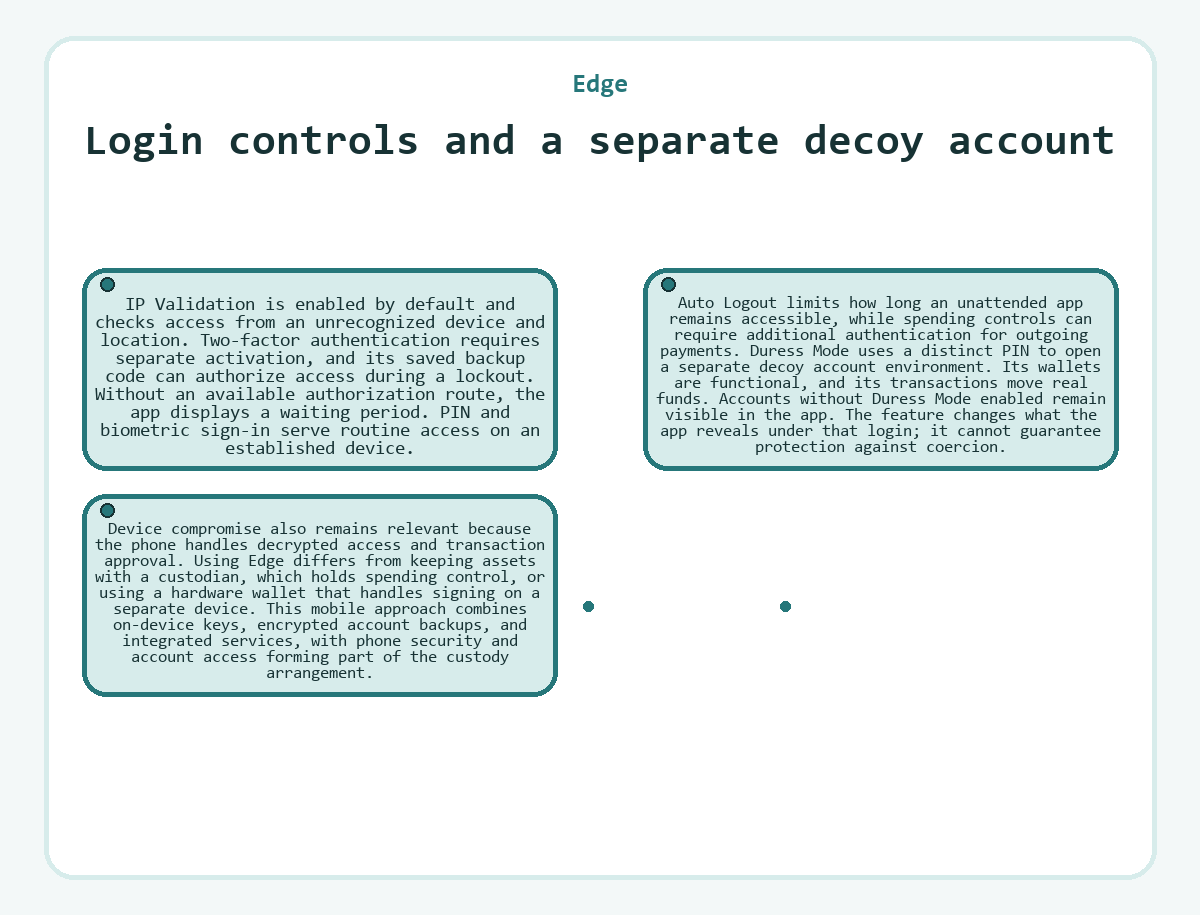
Using Edge differs from keeping assets with a custodian, which holds spending control, or using a hardware wallet that handles signing on a separate device. This mobile approach combines on-device keys, encrypted account backups, and integrated services, with phone security and account access forming part of the custody arrangement.
Edge: common questions
Does creating an Edge account require an email address?
Creating the wallet account does not require an email address, phone number, or legal name. Password recovery can use a recovery token that you save or send to yourself. Buying, selling, or exchanging through a partner can introduce that partner’s information requirements, separate from the wallet account.
Are old Bitcoin receiving addresses still valid after the wallet displays a new one?
Previously generated Bitcoin receiving addresses remain valid for the same wallet even after a new address appears, because address rotation reduces reuse without abandoning earlier addresses, while Ethereum, XRP, and Monero receiving addresses do not change after each transaction.
Where can I view the private seed for an individual wallet?
The selected wallet’s menu provides a Master Private Key option that requires your account password before revealing its private seed. The seed belongs to that wallet rather than replacing the account login. Anyone with the relevant seed can control its funds, so it should not be shared with support or entered into an unrelated application.
How do camera and contact permissions affect wallet functions?
Camera access enables QR scanning, while contact access supports address-book autocomplete and payment requests. Denying these permissions leaves the wallet usable with fewer conveniences. A text receiving address provides an alternative to scanning when making an ordinary payment.
Is Edge available on a Mac with Apple silicon?
The iOS app can run on a MacBook or iMac with an Apple M-series chip and macOS 13.0 or later through the Apple App Store. The mobile application’s account security controls continue to apply. WalletConnect also supports authorizing computer-based decentralized application activity from a phone.
Why might a confirmed payment be missing from my displayed balance?
A confirmed on-chain payment can be absent from the displayed balance when the wallet has not synchronized with the network. An unstable internet connection can cause this discrepancy. Restoring connectivity and using the wallet’s Resync function refreshes its view of the network; resynchronization does not send the payment again.
How can I disconnect an application paired through WalletConnect?
An active WalletConnect session can be disconnected from the WalletConnect screen in the app. Select the active connection and use Disconnect. The connected application may also offer a disconnect option. Ending the session does not undo transactions that you previously approved and that the network has completed.
What information helps support investigate an unfinished swap?
Exchange Details and its order ID give support the record needed to investigate a swap. The exchange service identifies the provider, and transaction identifiers help locate related blockchain activity. Include whether the outgoing transfer has confirmed and whether the destination wallet shows the payout, since these can represent different stages.